Be right back screen
Type Be right back and pick the Midnight background for a calm break screen on calls or streams.
经典屏幕保护程序,属于你的:输入任意文本或添加你的标志,观看它在每面墙上滑动、弹跳并变色。
在笔记本电脑、显示器或电视上全屏,统计角落点击次数,并导出片段用于你的视频或直播。
或点击选择文件
弹跳标志屏保打开就能玩,不用下载也不用注册,键盘、鼠标和触屏都支持。 免费的弹跳徽标屏幕保护程序:您的文字或徽标会弹跳,每撞到墙壁时颜色会变化,并在碰到角落时庆祝。
页面加载完成后游戏区即可操作,无需安装任何插件。
用方向键或鼠标控制,手机上直接滑动屏幕;具体按键可看界面提示。
分数、步数或用时显示在界面上方,达到目标后可继续挑战更高成绩。
随时点击重新开始按钮开新一局,进度不会保留到下次访问。
徽标以稳定的速度斜着移动,并在每条边反弹。它只有在同时到达一侧和顶部或底部时,才会碰到角落。
Think of the free space: the screen width minus the logo width across, and the screen height minus the logo height down. The logo hits a corner when the distance it has travelled is a whole number of widths and a whole number of heights at once.
If the free width and height form a simple ratio, like 3:2, that happens every few bounces. On a typical screen the ratio is far from simple, so the next corner can be many minutes or hours away. Perfect fit picks a logo size that makes the ratio simple; Aim for a corner changes the angle very slightly so the logo lands in a corner soon.
A few ideas to get the most out of it.
Type Be right back and pick the Midnight background for a calm break screen on calls or streams.
Choose the green background and key it out in your streaming or editing software to float the logo over your video.
Press Perfect fit and the logo comes back to a corner every few bounces. Great for satisfying clips.
Arcade mode combines chunky pixels with CRT scanlines for an old-TV feel.
Choose the Calm speed and a soft palette for a relaxing background on a second monitor.
Copy link saves your text, colours and look, so anyone can open the same screensaver.
无需注册即可试用,游客每日 3 次免费。所有处理都在你的设备上完成,文件不会被上传。
所有工具每天都有免费额度。 游客每日 3 次免费,注册再送 20 积分。文件不上传,处理全在你的设备上完成。
经典屏幕保护程序的免费浏览器版本,其中一个标志在屏幕上漂移,撞到边缘时反弹并在每次反弹时改变颜色。你可以使用自己的文字或标志,并且它会统计并庆祝每次碰角。
在您想使用的屏幕上打开此页面,按全屏并保持运行。控制按钮会在几秒钟后消失,在支持的浏览器上,播放徽标时屏幕会保持唤醒状态。
是的。上传 PNG、SVG、JPG 或 WebP。具有透明背景的标志在每次反弹时都会被重新着色。普通背景的标志会移除背景,你也可以通过彩色光晕保留原始颜色。你的图片会保留在你的浏览器中。
是的。打开预测可以准确看到下一次撞角何时发生。瞄准角落会稍微调整角度,使球很快落入角落,而完美贴合会让球每隔几次弹跳就撞角。
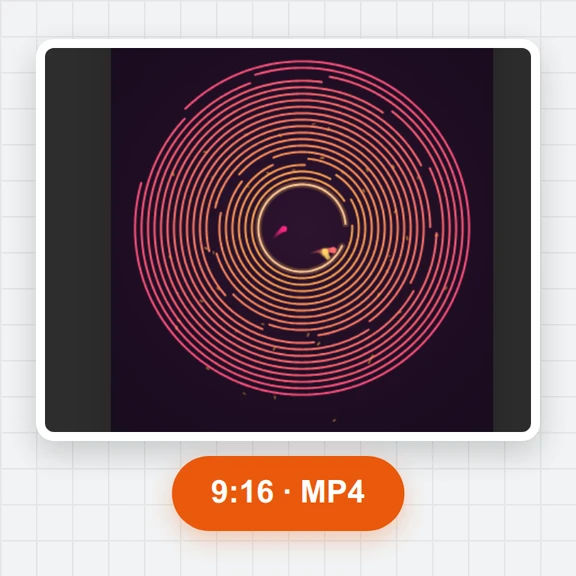
是的。打开视频以导出 MP4 或 WebM,比例可为 16:9、9:16 或 1:1,时长从 10 秒到 10 分钟,帧率为 30 或 60 fps,包含弹跳声音,并可选择在结尾添加角落击打效果。
是的。游客每日 3 次,无水印,也无需安装任何东西。它可以在手机、平板、笔记本电脑和电视的浏览器中运行。
是的。屏幕保护程序会在纵向或横向填满屏幕,带有大按钮、声音和在角落撞击时的轻微震动。
Type your text, press full screen and count the corner hits.