光与色
Exposure, contrast, highlights, shadows, whites and blacks; temperature, tint, vibrance and saturation; curves and levels per channel; an eight-color mixer, black and white with its own channel mix, and split-tone color grading.
用滑块、曲线和31种效果调整光线和颜色,裁剪和拉直,去除斑点,然后添加文字、贴纸和边框。
每次编辑都可以更改或撤销,并且下载会保留照片的完整分辨率。
拖放图片到此处、直接粘贴,或点击选择
每个示例都以一个起始编辑开始。更改任何内容,然后下载。
照片编辑器是一个在线编辑器:打开文件即可修改,改完直接导出。 在线免费编辑照片:曝光、曲线、颜色混合器、31种效果、裁剪和校正、修复和克隆、本地调整、文字、贴纸和图层。
选择或拖入要编辑的文件,等待本地解析完成。
在画布上添加文字、图形、签名或标注,拖动即可调整位置与大小。
设置颜色、字号、透明度等属性,预览区会实时更新。
确认后点击导出,把编辑好的文件下载到本地。
Exposure, contrast, highlights, shadows, whites and blacks; temperature, tint, vibrance and saturation; curves and levels per channel; an eight-color mixer, black and white with its own channel mix, and split-tone color grading.
31 looks, from Golden Hour and Cinematic to Matte, Noir and Sepia, previewed on your own photo. A strength slider sets how much, and your own sliders still work on top.
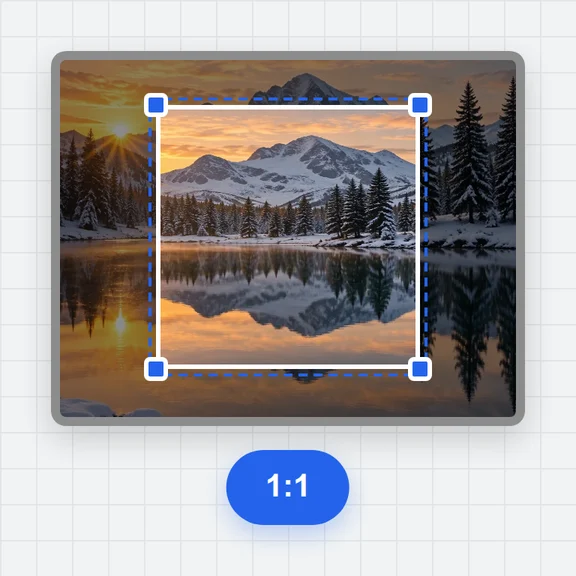
Free or fixed-ratio crop with thirds and golden-ratio guides, straighten up to 45°, rotate, flip, fix leaning buildings with the perspective sliders or by moving four corners, and add a border or extra canvas.
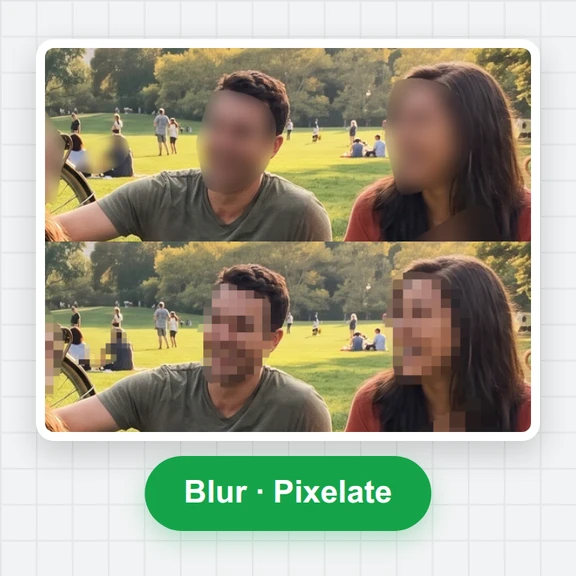
Spot heal, heal and clone for blemishes and distractions, red-eye removal, blur or pixelate faces and number plates, and dodge and burn to shape the light.
Change exposure, contrast, saturation and warmth in part of the photo only, with a brush, a straight gradient for skies, or a radial mask for a subject.
Text with 25 fonts, outline, shadow, background box and curved text; shapes, 43 stickers, pictures with blend modes, freehand drawing, frames and a tiled watermark, all on movable layers.
Set exposure first, then pull highlights down and lift shadows. Use Auto tone for a quick starting point and adjust from there.
Hold the eye button (or the \ key) to see the original, or turn on the split view to compare both halves while you work.
Zoom to 1:1 before healing small spots. [ and ] change the brush size; Space and drag moves around the photo.
Text, stickers and drawings stay separate until you download, so you can move, restyle or delete them at any time.
JPG for photos, PNG for transparency or sharp graphics, WebP for small files on the web. The size estimate updates as you change quality.
Your last session is kept in this browser automatically. Save a project file to move it to another device or keep several versions.
无需注册即可试用,游客每日 3 次免费。所有处理都在你的设备上完成,文件不会被上传。
所有工具每天都有免费额度。 游客每日 3 次免费,注册再送 20 积分。文件不上传,处理全在你的设备上完成。
是的。每个工具和每次下载都是免费的,无需账户,无水印,也不限你编辑多少张照片。
不。照片是在你的浏览器中打开、编辑并保存的,永远不会离开你的设备。你的上一次会话仅保存在此浏览器中,因此你可以在重新加载后继续。
您可以打开 JPG、PNG、WebP、GIF(第一帧)、AVIF、BMP 和 SVG,以及支持的浏览器中的 HEIC。相机 RAW 和分层设计文件不受支持。您可以保存为 JPG、PNG 或 WebP,将结果复制到剪贴板,或保存项目文件。
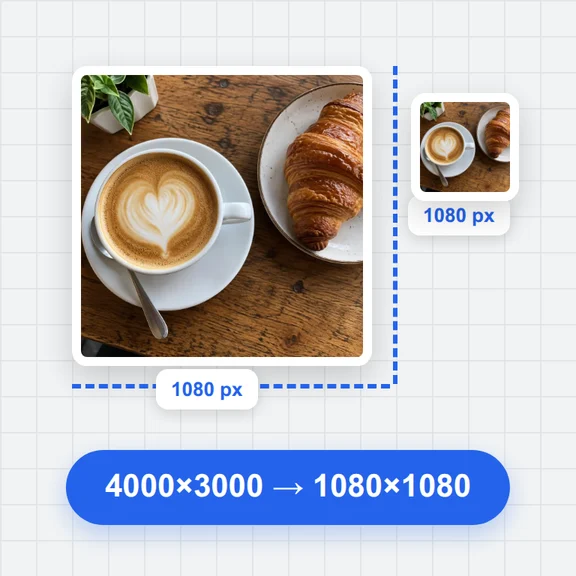
不。在你编辑时,屏幕会显示一个轻量级预览,因此滑块可以立即响应,但下载的是你的原始照片,具有完整分辨率,或者是你选择的尺寸。
最高可达 100 百万像素。大照片保存所需时间更长,而且手机和平板电脑可能无法在内存中存储非常大的下载文件;如果保存失败,请选择较小的尺寸。
是的。最多可以撤销和重做 200 步,历史列表让您可以跳回到任意步骤。按住眼睛按钮或按 \ 键与原始内容进行比较。
是的。添加带有字体选择、轮廓、阴影、背景和曲线的文本,以及形状、43 个贴纸、第二张图片、自由绘画、框架和瓦片水印。每个都位于自己的图层上,具有不透明度和混合模式。
打开修图工具并选择点修复,然后在斑点上刷。对于较大的区域,使用修复或克隆:按住Alt键点击选择一个干净的源,然后刷在你想覆盖的地方。
No. Every tool here is classic image processing that runs in your browser. To create new images or change a photo with words, use 嘉Jaykou工具台’s image generator.
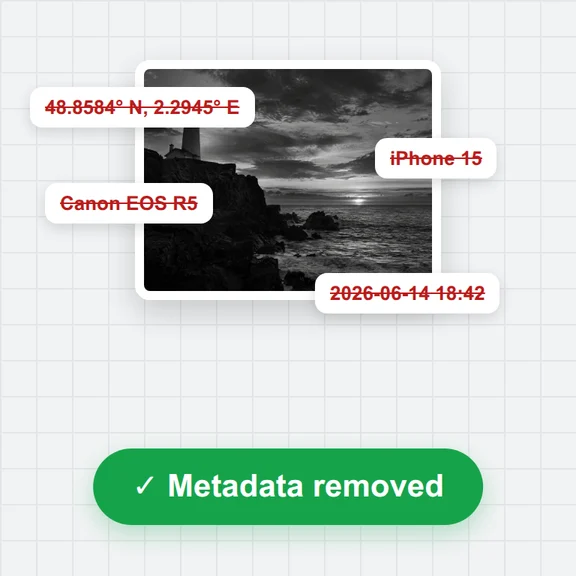
Not by default: the downloaded file has no camera or location details. Switch on Keep camera details in Export to copy them from a JPG original.
Yes. The tools move to the bottom of the screen, sliders go full width, and you can pinch to zoom and drag with two fingers.
免费、私密,游客每日 3 次。