Markdown that looks right
Headings, bold and italic, nested lists, task lists, quotes, tables, code blocks, horizontal rules, footnotes and pictures.
输入、粘贴或拖拽文本、Markdown、日志或代码,并在过程中查看页面。
选择页面大小、字体、边距、栏、页眉和页脚,然后下载带有可选择文本的 PDF。
支持拖入 .txt / .csv / 任意纯文本
或点击选择文件
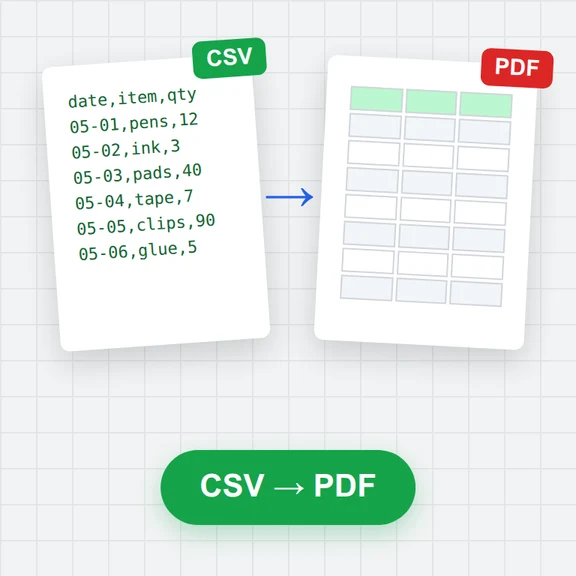
这是一个把 文本 转成 PDF 的在线工具:文件不会离开你的设备,转换直接在浏览器里完成。 将文本、Markdown、日志和代码免费转换为 PDF。
点击虚线区域选择文件,或直接把 文本 拖进页面。支持一次拖入多个文件,逐个排队处理。
在下方的格式选项中确认目标格式为 PDF,并按需要调整画质、尺寸、码率或帧率等参数。
点击转换按钮后,进度条会实时显示处理进度。文件较大时请保持页面打开,不要切换标签页。
转换完成后先预览效果,满意再点击下载把 PDF 保存到本地;不满意可以改参数重转。
Headings, bold and italic, nested lists, task lists, quotes, tables, code blocks, horizontal rules, footnotes and pictures.
Line breaks and indentation are kept, long lines wrap under their indentation and tabs line up. Choose a monospace font for logs and code.
Latin, Greek and Cyrillic text is embedded with fonts, so you can select, copy and search it. Links stay clickable.
Every Markdown heading becomes a bookmark in the PDF's sidebar, and links to headings jump to them.
A4, Letter, A5, Legal, A3 or a custom size, portrait or landscape, margins, one to three columns, text and page colours.
Drop many files: get one PDF with each file starting on a new page under its name, or a ZIP with one PDF per file.
Write {page} and {pages} in the header or footer, for example Page {page} of {pages}.
In Markdown, a line with \newpage or <!-- pagebreak --> starts a new page.
Use Plain text with the Monospace font for source code and logs: indentation and alignment are kept exactly.
Chinese, Japanese, Korean, Arabic, Hebrew, Hindi, Thai and emoji are drawn as sharp pictures, so they print correctly but can't be selected.
无需注册即可试用,游客每日 3 次免费。所有处理都在你的设备上完成,文件不会被上传。
所有工具每天都有免费额度。 游客每日 3 次免费,注册再送 20 积分。文件不上传,处理全在你的设备上完成。
是的。您可以随意转换文本,无需账户、无每日限制且无水印。
不。PDF 是在你的浏览器中生成的,你的文本永远不会离开你的设备。
粘贴你的 Markdown 或者拖放一个 .md 文件并选择 Markdown。标题、列表、表格、代码块和链接都会被格式化,标题会变成书签。
是的,对于拉丁字母、希腊字母和西里尔字母,它们是嵌入了真实字体的。其他字母表的文字和表情符号则是以图片形式绘制的,无法被选中。
是的。将其拖到页面上或使用“添加文件”。UTF-8、UTF-16 和 Windows-1252 文件可以被正确读取。
是的。添加多个文件并选择“一个 PDF”:每个文件从新的一页开始,其名称作为标题。或者选择“每个文件一个 PDF”以获得一个 ZIP。
使用“插入图片”插入的图片会被插入。从网页链接的图片不会被下载;取而代之的是显示它们的描述。
不。HTML 标签会被移除,只保留其中的文本。
免费额度、隐私优先,处理全在你的设备上完成。